Building for Board
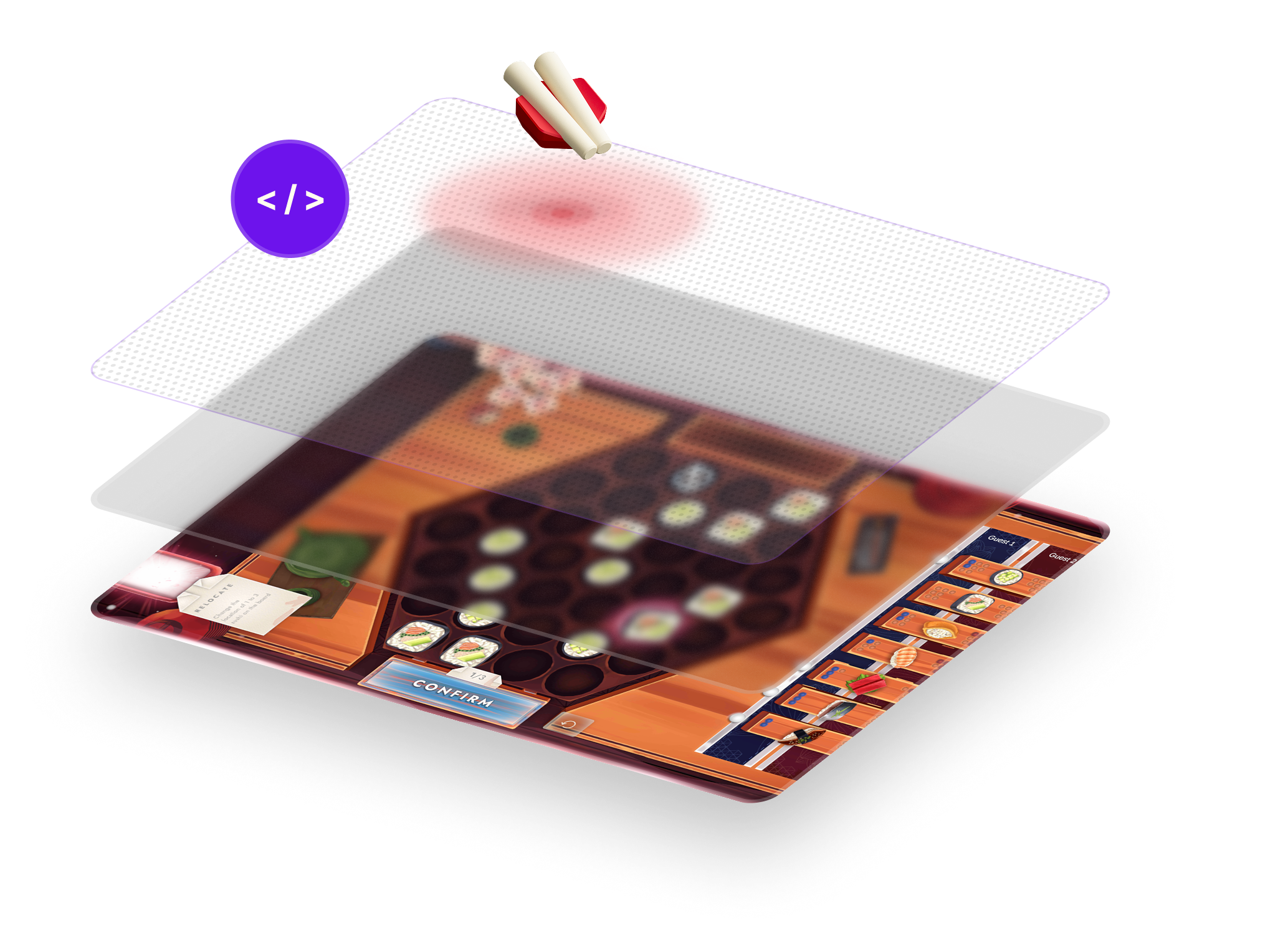
Multi-touch displays have been limited to 10 touch points since the iPhone launched nearly two decades ago. Board removes that limit entirely. Track as many fingers and Pieces as you want, all at once, with no performance penalty.
We’ve re-engineered the entire touch stack to make this possible. Place a Piece on Board and it knows exactly where it is, which way it’s facing, and whether someone’s hand is on it. On-device machine learning runs on dedicated hardware, keeping CPU and GPU free for your game. And Board actively filters out noise from palms, wrists, and other unintentional touches.
Build games where everyone plays on the same screen, at the same time, with no compromises.
Ready to build? Head to Getting Started to pick the SDK that fits your stack — Unity, Godot, or Web — and follow its Quick Start.
What’s here
- Getting Started — pick an SDK and start building.
- Learn — how Board’s touch system, Pieces, and hardware work, plus the platform architecture.
- Guides — implementation guides that apply to every SDK, with code samples in Unity, Godot, and Web.
- Tools — Board Connect (the recommended developer workflow) and
bdb(legacy CLI). - FAQ — the Board Developer Program.