Pieces
Board recognizes physical Pieces placed on the display, providing position, orientation, and interaction state for each Piece.
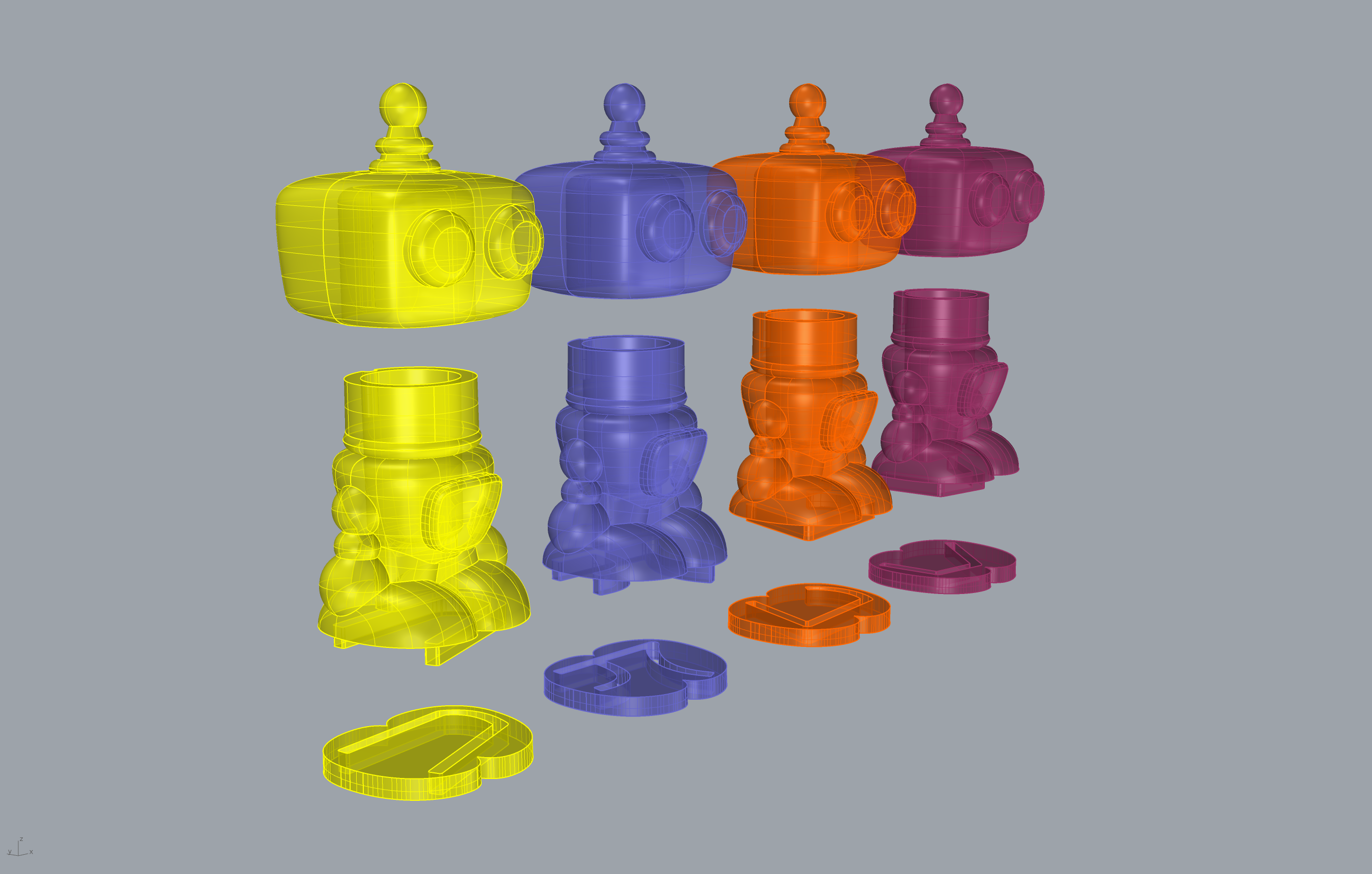
Overview
Pieces are physical objects with conductive Glyph patterns on their base. They have no batteries, sensors, or electronics. Board detects them purely through capacitive interaction with the display.
Unlike standard touch contacts, Pieces provide:
- Position - Coordinates near pixel resolution (1920×1080)
- Orientation - The Piece’s current angle, with roughly 1 degree precision
- Touched State - Whether the Piece is being held or resting on the surface
How Pieces Work
Each Piece has a unique conductive pattern, its Glyph, on its base. When placed on the display, this pattern creates a distinct response on the capacitive touch sensor. On-device machine learning identifies the pattern and tracks the Piece in real time.
The Pieces themselves are passive, made from a blend of plastic and conductive material. This makes them durable, affordable, and reliable at any speed.
Some Pieces include a conductive body that connects electrically to the Glyph pattern. When a player holds one of these Pieces, their body completes the circuit, changing the signal the touch sensor receives. This allows Board to detect whether the Piece is being held or resting on the surface, exposed through each Piece contact’s touched state.
Piece Sets
Pieces are organized into Piece Sets that are trained together for recognition. Examples include the Pieces from Mushka, Chop Chop, or Board Arcade.
Only one Piece Set can be active at a time. Each Piece Set has a corresponding Piece Set Model, the machine learning file that recognizes its Pieces. You configure which Piece Set your game uses by selecting its Piece Set Model through your SDK’s input configuration.
Piece Properties
Each Piece contact carries the following information:
| Property | Description |
|---|---|
| Contact ID | A stable identifier that persists for the life of the contact, so the same Piece reports the same ID across frames as it moves |
| Position | Where the Piece sits on the display, in screen coordinates. The origin and axis directions are per-SDK |
| Orientation | The Piece’s rotation angle. The unit and direction are per-SDK (Unity reports radians; Godot and Web report degrees) |
| Glyph ID | Which Piece from the active Piece Set this contact represents |
| Touched State | Whether a player is currently holding the Piece or it is resting on the surface |
| Phase | The contact’s lifecycle state (such as began, moved, stationary, ended, or canceled) |
Position origin, axis direction, and orientation unit vary by SDK. See the per-SDK convention table in Touch Input for the exact conventions in your SDK.
Working with Pieces
Detecting when a Piece is placed, tracking its position and orientation as it moves, and responding to its touched state are all handled through your SDK’s contact API. The exact code differs by SDK and by paradigm (polling, callbacks, or signals).
For code in your SDK, see Touch Input for handling contacts and reading Piece position, orientation, and touched state, and Piece Interaction Design for patterns that turn Piece input into game behavior.
See Also
- Concepts - Core terminology including Glyphs, contacts, and tracking
- Touch - How the touch system recognizes fingers and Pieces
- Hardware - Touch system specifications
- Touch Input - Implementation guide for handling contacts
- Piece Interaction Design - Designing interactions around Pieces